Pagination Options
This page demonstrates different pagination styles available in the Event Feed module, including Load More Button, Paged navigation, and Numeric pagination options.
Load More Button
This example demonstrates the Show Pagination option enabled with the Load More Button option selected as the Pagination Type.
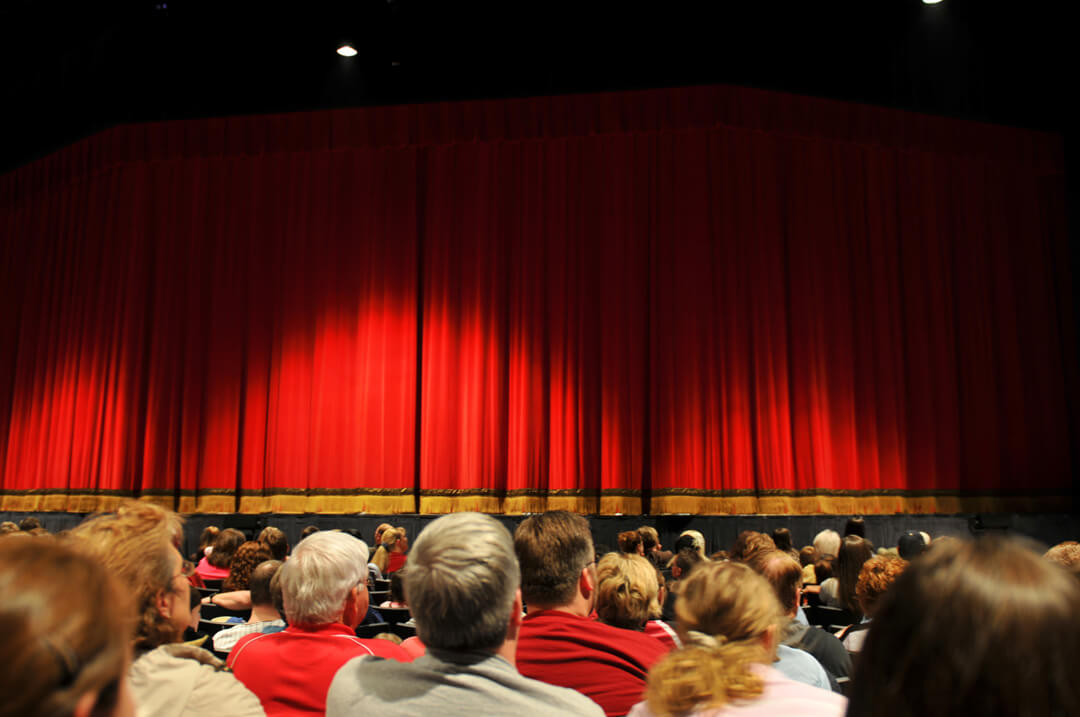
A vibrant musical performance by talented high school students.

Enjoy an evening of laughter with the city's funniest local comedians.
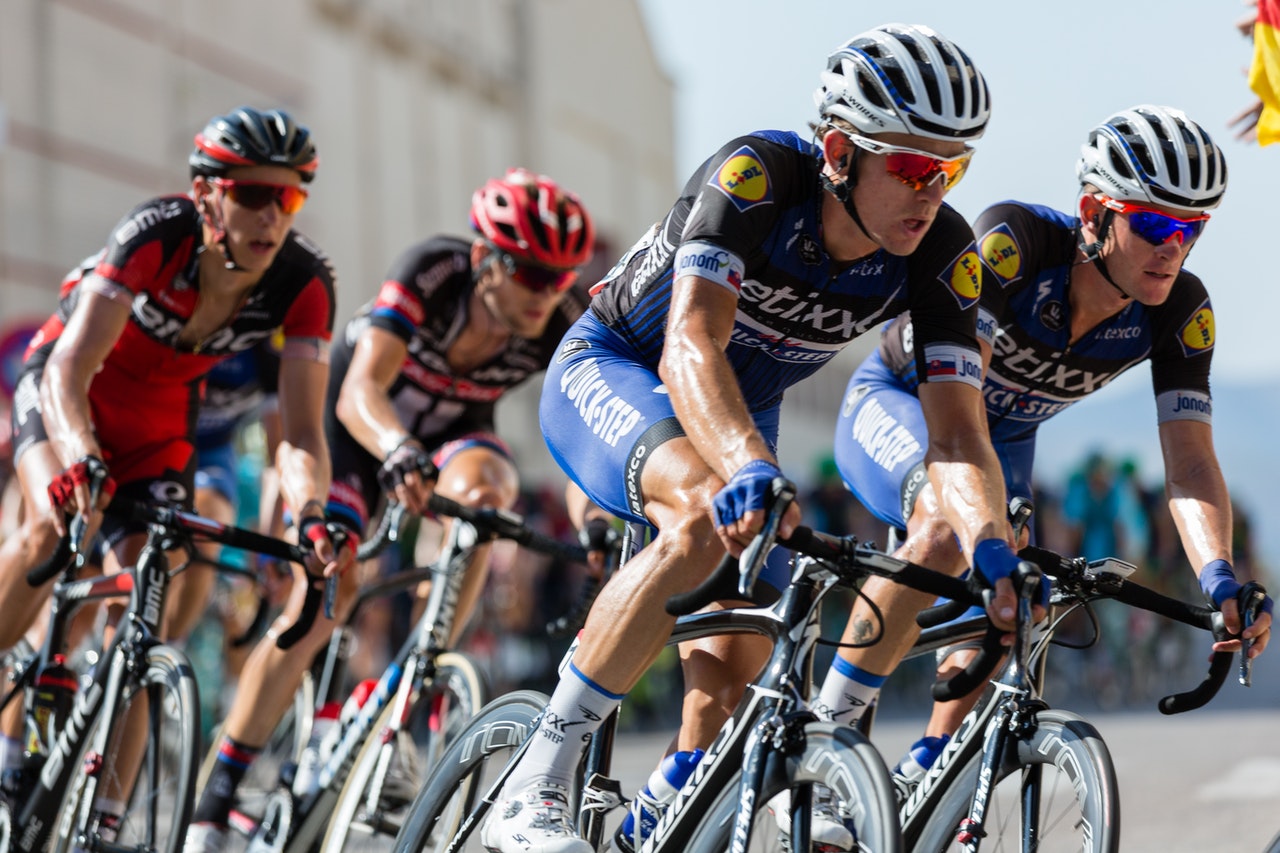
A scenic and competitive bike race for riders of all skill levels.
Paged
This example demonstrates the Show Pagination option enabled with the Paged option selected as the Pagination Type. It displays "Previous" and "Next" Events links at the bottom.
A vibrant musical performance by talented high school students.
Enjoy an evening of laughter with the city's funniest local comedians.
A scenic and competitive bike race for riders of all skill levels.
Numeric
This example demonstrates the Show Pagination option enabled with the Numeric option selected as the Pagination Type. It displays numbered pagination links below the events feed.
A vibrant musical performance by talented high school students.
Enjoy an evening of laughter with the city's funniest local comedians.
A scenic and competitive bike race for riders of all skill levels.
Load More Button – Example 1
This example changes the Load More button text, increases the Number of Events to Load to 6, aligns the button to the right, and customizes the button's color, size, and other design settings.

Paged – Example 1
This example uses the List layout, customizes the Previous Events and Next Events link text, and aligns the pagination to the center.
Numeric – Example 1
This example uses the Cover layout, customizes the numeric pagination button and number colors, and applies a different button icon.