Highlighted Dynamic Content
This page demonstrates how Highlighted Dynamic Content makes dynamic fields visually identifiable. When enabled, dynamic values are highlighted, allowing you to quickly recognize which content is powered by dynamic data without affecting the frontend experience.
Important Note
The Highlighted Dynamic Content feature is only visible to logged-in administrators and does not affect what visitors see on the frontend. This provides a safe and non-intrusive way to identify dynamic content. To experience this feature, you need to be logged in to the WordPress site. You can also use our admin demo sandbox link to create a temporary site and explore the functionality.
Highlighting For Inline Variables
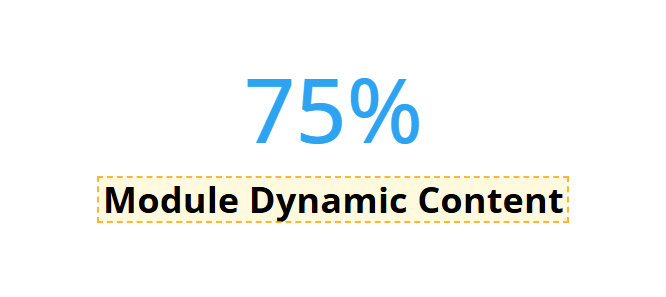
This example demonstrates how inline variables appear with highlighting disabled and enabled. When activated, dynamic values within inline variables are visually highlighted for easier identification.
Disabled: Highlighting For Inline Variables

Enabled: Highlighting For Inline Variables

Highlighting For Global Dynamic Content Sources
This example demonstrates how global dynamic content sources appear with highlighting disabled and enabled. When activated, dynamic values from these sources are visually highlighted within modules.
Disabled: Highlighting For Global Dynamic Content Sources

Enabled: Highlighting For Global Dynamic Content Sources
Highlighting For Divi Variables
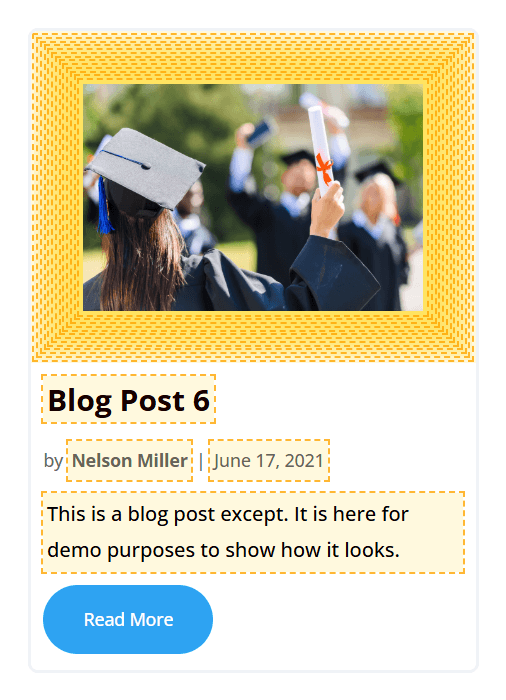
This example demonstrates how Divi variables appear with highlighting disabled and enabled. When activated, dynamic values from Divi variables are visually highlighted within the content.
Disabled: Highlighting For Divi Variables
Enabled: Highlighting For Divi Variables

Highlighting For Divi Dynamic Content
This example demonstrates how Divi’s default dynamic content appears with highlighting disabled and enabled. In this example, the "Page/Archive Title" dynamic content is used to show how highlighting is applied.
Disabled: Highlighting For Divi Dynamic Content
Enabled: Highlighting For Divi Dynamic Content