Design Settings
This page demonstrates the design settings available in Divi Carousel, including highlighted slides, equalized slide heights, slide sizing, opacity, blur effects, and responsive slide counts.
Default
This example shows the all of the carousel settings with their default values.
Highlighted Slide
These examples demonstrate the Highlighted Slide option with the highlighted slide positioned on the left, center, and right. By default, non highlighted slides use "50%" opacity, a "1px" blur effect, and a size value of "1", although each of these settings can be customized.
Left:
Center:
Right:
Equalize Slide Height
These examples demonstrate the Equalize Slide Height feature, which ensures all slides have the same height even when their content or text lengths vary. This helps create a more balanced and consistent carousel layout.
When the option is disabled:
When the option is enabled:
Example 1: Highlighted Slide with Equalize Slide Height
This example highlights the right slide, equalizes the height of all slides, and applies a custom background color to the highlighted slide to make it stand out from the rest of the carousel.
Example 2: Blog Module (Events)
This example highlights the center slide and displays "Events" using the Blog Module. The opacity of non highlighted slides is reduced from "50%" to "25%", and the slide blur effect is removed for a cleaner appearance.
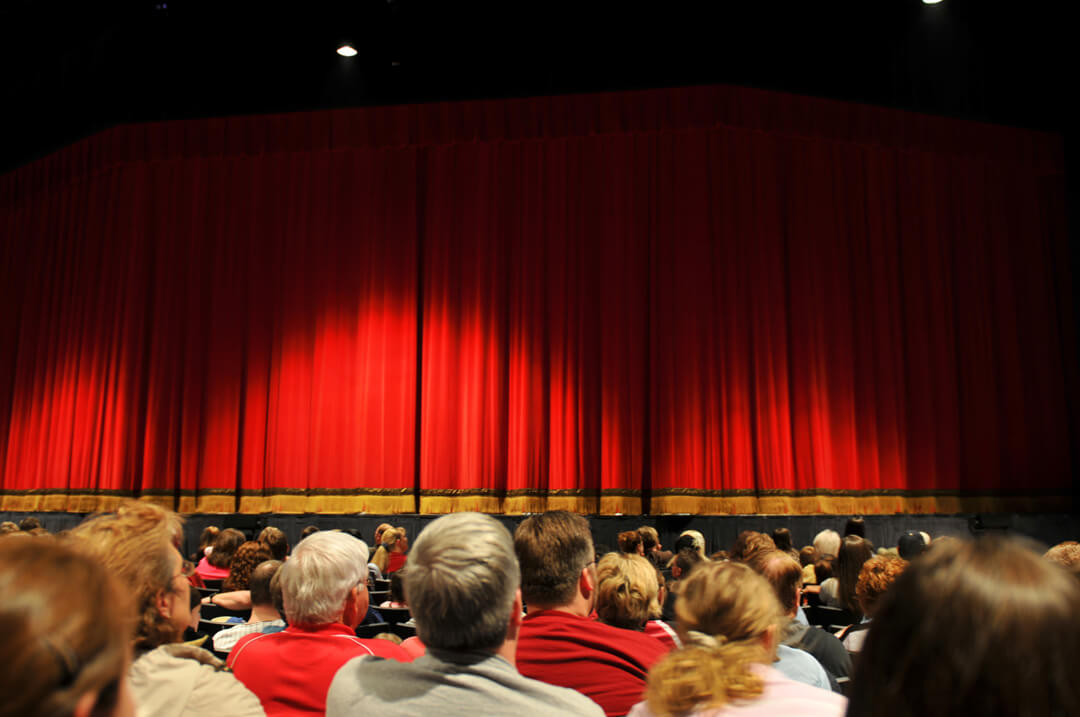
High School Musical
A vibrant musical performance by talented high school students.

Local Talent Comedy Show
Enjoy an evening of laughter with the city’s funniest local comedians.
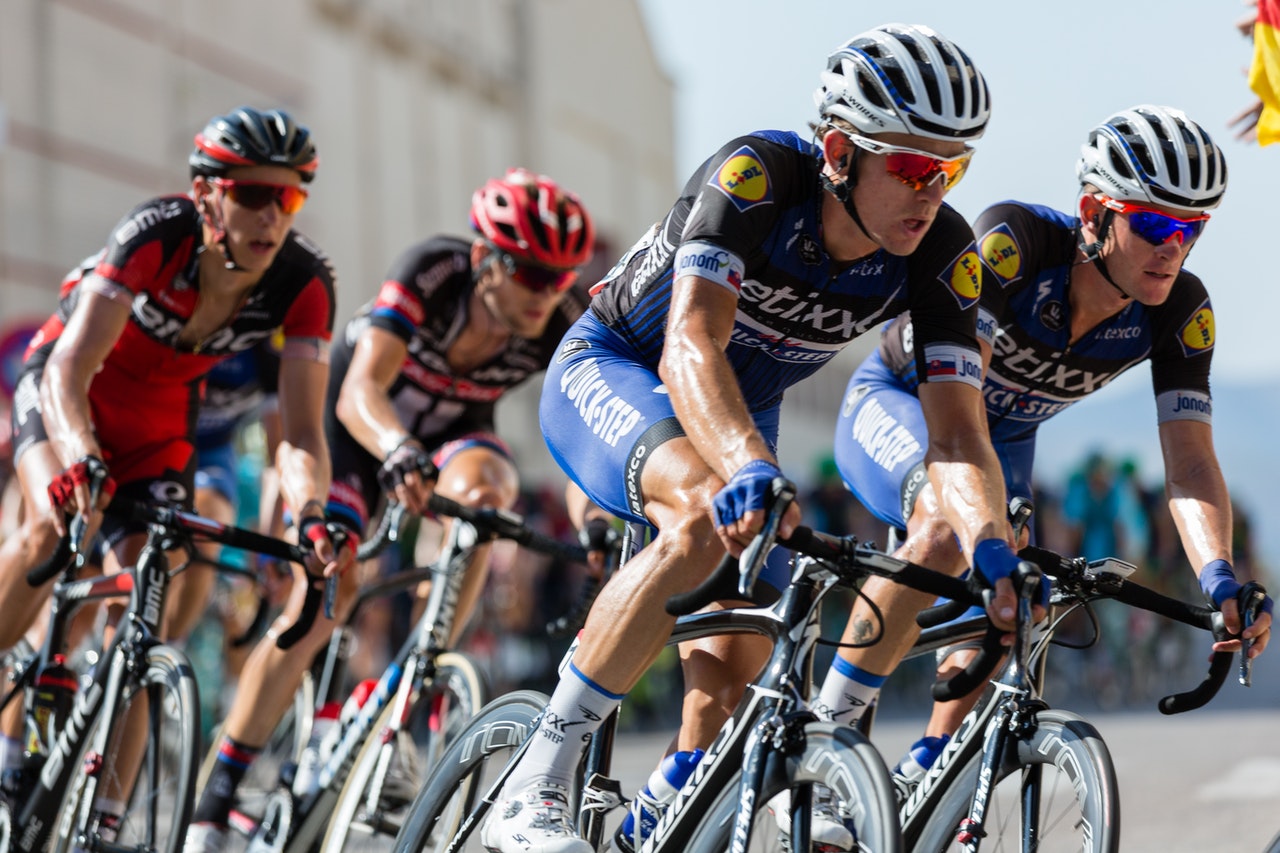
Annual Bike Race
A scenic and competitive bike race for riders of all skill levels.

Church Worship Concert
A heartfelt evening of worship through music, praise, and fellowship.

Tech Startup Pitch Night
Witness innovation in action at the Tech Startup Pitch Night.
Example 3: Image Module
This example highlights the left slide, increases the number of visible slides from "3" to "5", sets the blur effect of non highlighted slides to "3px", and increases the highlighted slide size to "1.2" for greater visual emphasis.