
Details Display Options
This demo page demonstrates different ways to display event details in the Events Carousel module using the Stack Event Details option, along with various layout alignments and Labels/Icons display settings.
Show Labels/Icons
These examples demonstrate the Stack Event Details option. When enabled, the Show Labels/Icons setting becomes available, allowing you to display event details using Labels, Icons, Labels and Icons, or None. These examples use the List layout.
Stacked Details With No Labels Or Icons


Stacked Details With Labels
Stacked Details With Icons
Stacked Details With Labels And Icons
Stack Labels/Icons
These examples demonstrate the Stack Event Details and Stack Labels/Icons options enabled together. The Stack Labels/Icons option displays each label or icon on its own line above the corresponding event detail instead of beside it. These examples use the Grid layout.
Stacked Labels
Stacked Labels And Icons
Show Colon After Labels
These examples demonstrate the Show Colon After Labels option, which displays a colon after each event detail label for improved readability. These examples use the Cover layout.
Colon After Labels
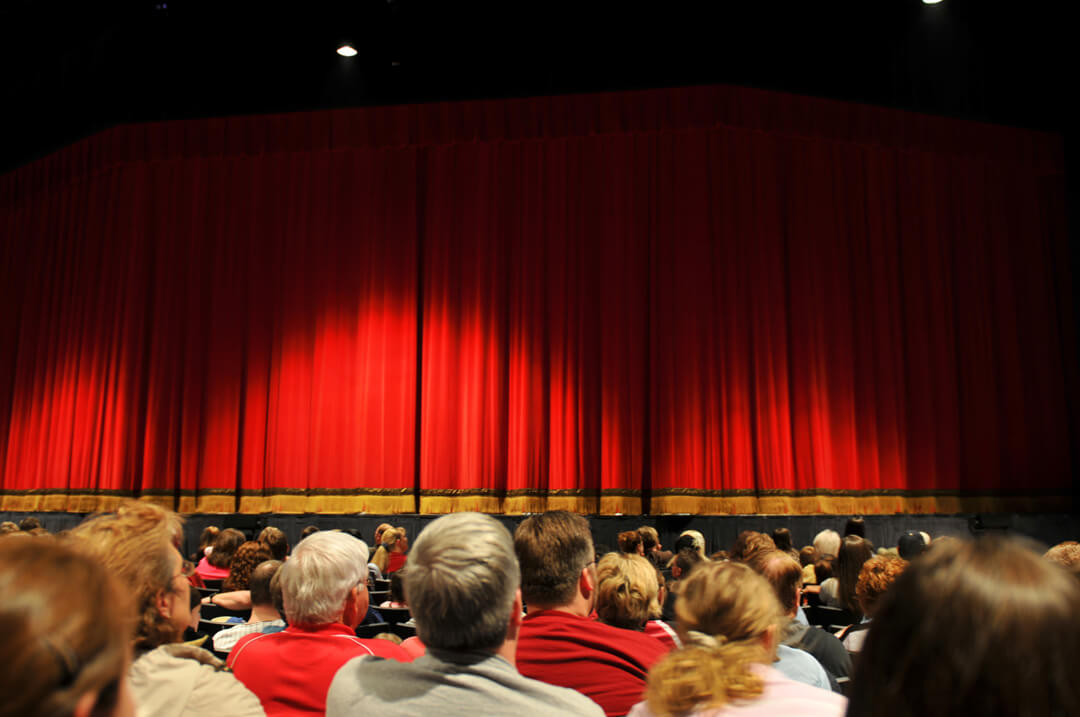
High School Musical
High School Musical
Date: August 18, 2026Time: 1:00 pm - 8:00 pmVenue: City Library Conference RoomOrganizer: City Library AssociationCategory: MusicWebsite: View Events WebsiteA vibrant musical performance by talented high school students.
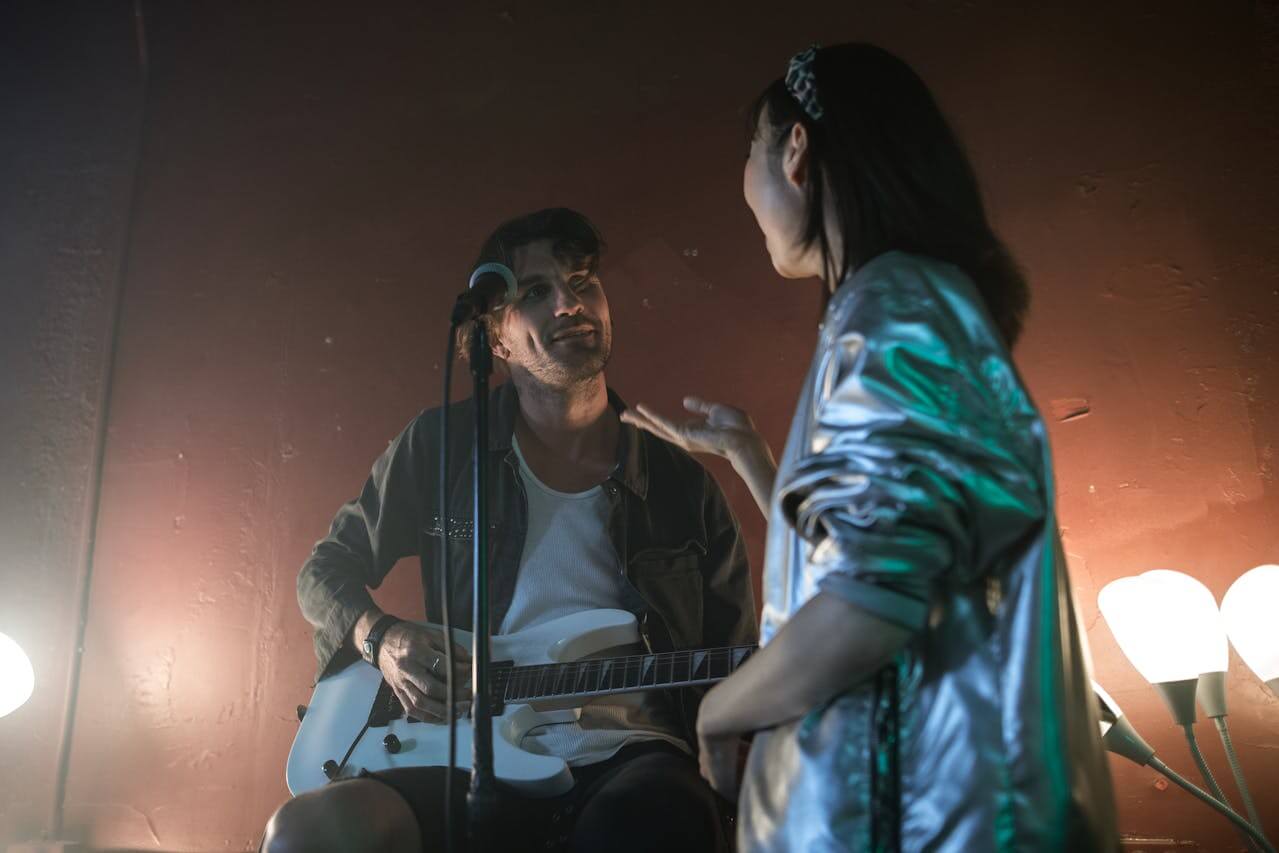
Local Talent Comedy Show
Local Talent Comedy Show
Date: August 29, 2026Time: 4:00 pm - 11:00 pmVenue: Starlight Banquet HallOrganizer: Starlight Event PlanningCategory: Community Events, PartiesWebsite: View Events WebsiteEnjoy an evening of laughter with the city's funniest local comedians.
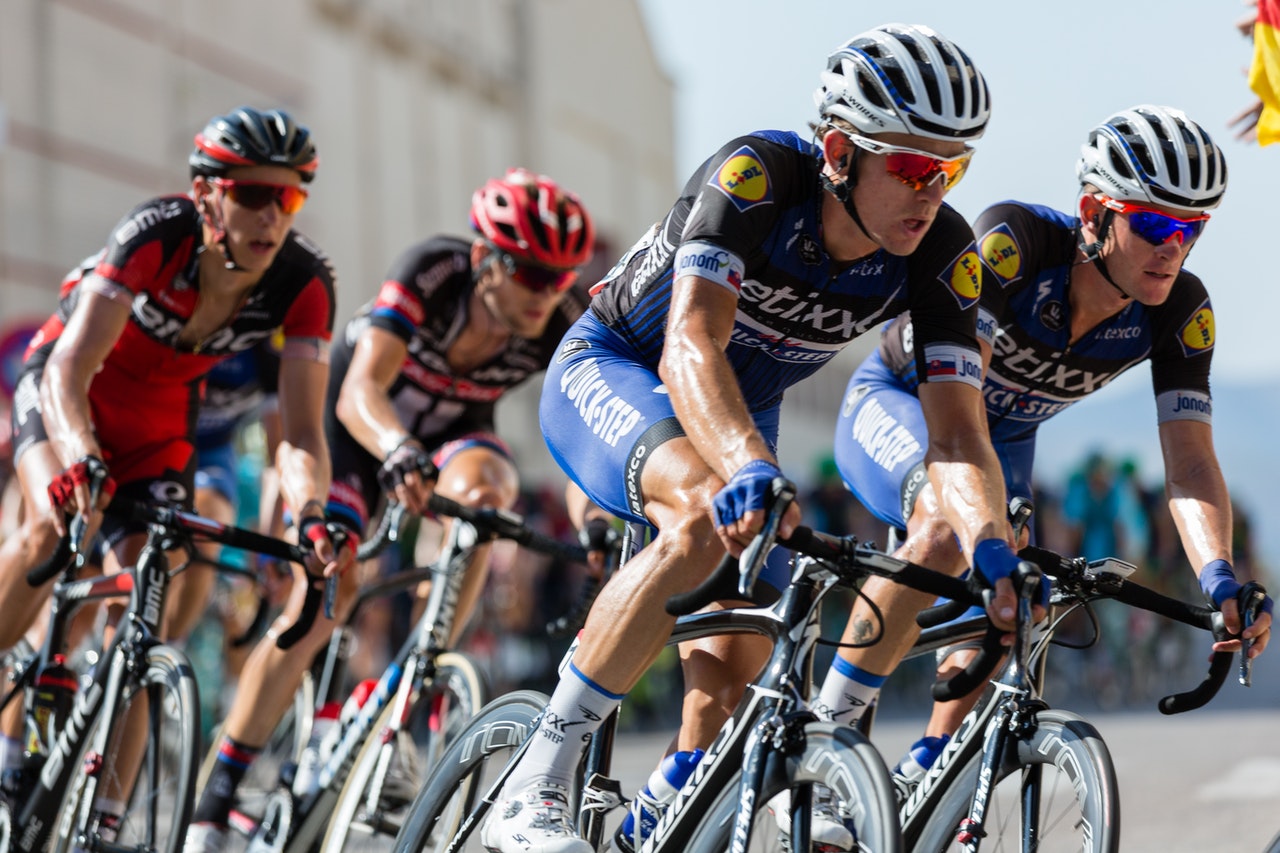
Annual Bike Race
Annual Bike Race
Date: September 05, 2026Time: 9:00 am - 6:00 pmVenue: Green Valley TrailsOrganizer: Valley Outdoor AdventuresCategory: Outdoor Events, RacesWebsite: View Events WebsiteA scenic and competitive bike race for riders of all skill levels.
Church Worship Concert
Church Worship Concert
Date: September 14, 2026Time: 11:00 am - 4:00 pmVenue: Community ParkOrganizer: City Library AssociationCategory: Music, Virtual EventsWebsite: View Events WebsiteA heartfelt evening of worship through music, praise, and fellowship.
Tech Startup Pitch Night
Tech Startup Pitch Night
Date: September 25, 2026Time: 7:30 pm - 11:30 pmVenue: Downtown Civic CenterOrganizer: Downtown Business AllianceCategory: LecturesWebsite: View Events WebsiteWitness innovation in action at the Tech Startup Pitch Night.
Colon After Labels And Icons
High School Musical
High School Musical
A vibrant musical performance by talented high school students.
Local Talent Comedy Show
Local Talent Comedy Show
Enjoy an evening of laughter with the city's funniest local comedians.
Church Worship Concert
Church Worship Concert
A heartfelt evening of worship through music, praise, and fellowship.
Tech Startup Pitch Night
Tech Startup Pitch Night
Witness innovation in action at the Tech Startup Pitch Night.